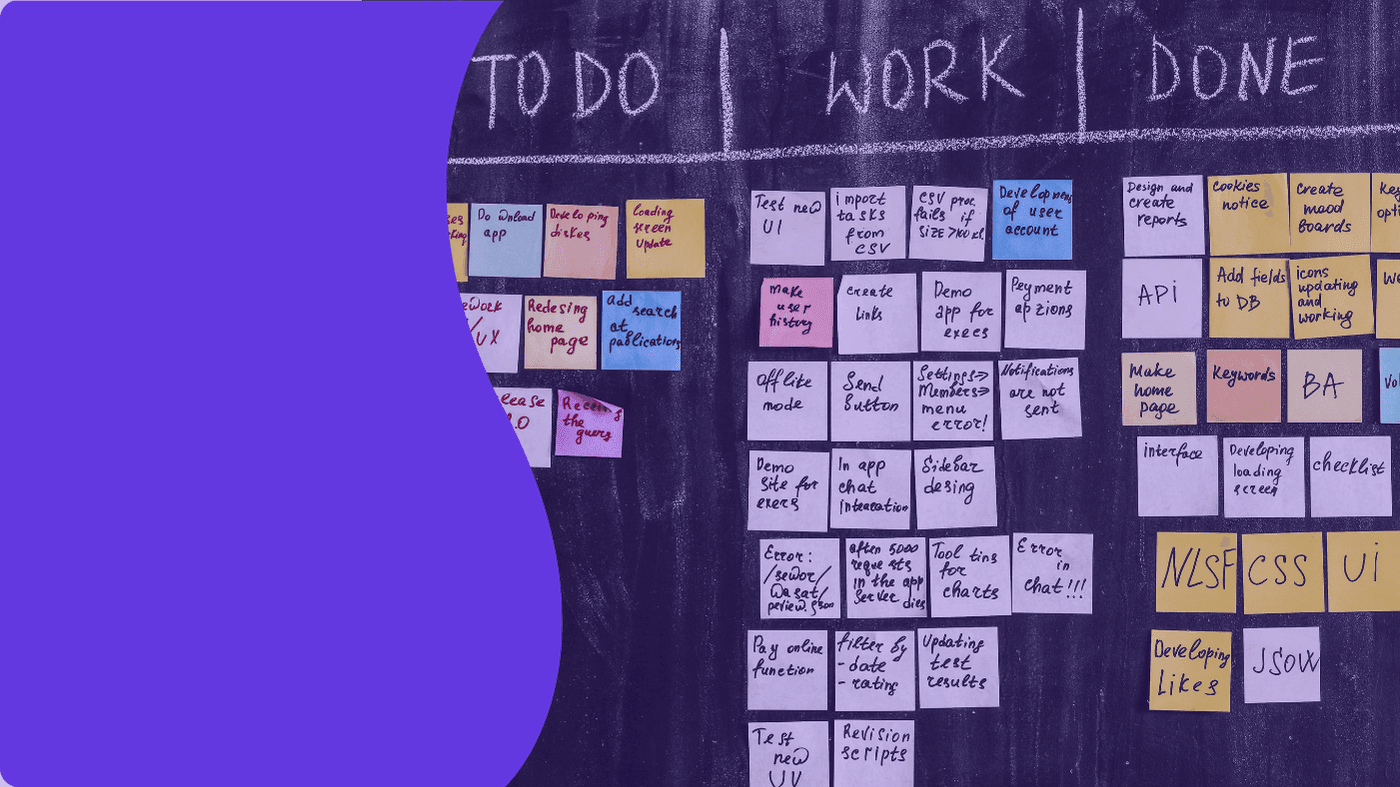
Orchestrate your Trello tasks
with Maestro by rosace
Stop searching for your tasks in checklists. Filter, score, and edit your multi-board data in real time.
Your teams keep their habits in Trello.

Orchestrate your Trello tasks
with Maestro by rosace
Stop searching for your tasks in checklists. Filter, score, and edit your multi-board data in real time.
Your teams keep their habits in Trello.
Maestro by rosace
Maestro: the control cockpit for your Trello
Your Trello licenses are expensive. Yet, your boards have become gas factories. Vital information is buried deep inside checklists. Operational tracking turns into a nightmare and the mental load explodes.
Maestro by rosace is your new control tower. This Power-Up transforms raw Trello data into an analytical tool. Your teams continue to check their boxes in Trello as before. Maestro extracts the chaos to generate a prioritized task list.
A UNIQUE VIEW TO MANAGE ALL YOUR PROJECTS
Take back control of your projects
A suite of tools designed to reduce mental load and accelerate decision-making
Too many boards to view
Display your subtasks inline. No more opening each Trello card to find information. Instantly view the details of your checklists in a single view.
Too many boards to view
Display your subtasks inline. No more opening each Trello card to find information. Instantly view the details of your checklists in a single view.
Deadlines that are hard to spot
Categorize your tasks automatically. Use your team's emojis in Trello to generate a mathematical priority score. Identify emergencies at a single glance.
Too many boards to view
Display your subtasks inline. No more opening each Trello card to find information. Instantly view the details of your checklists in a single view.
Priorities that are hard to identify
Your team members continue to check their boxes in Trello just like before. Maestro is synchronized in real-time in both directions. Edit, assign, or modify directly from the global interface.
Too many boards to view
Your team members continue to check their boxes in Trello just like before. Maestro is synchronized in real-time in both directions. Edit, assign, or modify directly from the global interface.
Too many clicks to find the information
Correct your data in bulk using the Find / Replace function on all your tables. Efficiency from the moment of installation. Then export your filtered lists to PDF, CSV, or Excel for your meetings.
Too many boards to view
Correct your data in bulk using the Find / Replace function on all your tables. Efficiency from the moment of installation. Then export your filtered lists to PDF, CSV, or Excel for your meetings.
Pricing tailored to every team
Start with a 14-day free trial on the Basic plan. Then choose the plan in Maestro that suits you best.
No credit card required. ROI guaranteed from the first month.
Free Maestro
€0
Lifetime
2 users max
2 tables max
Pre-defined scoring
72-hour support
Maestro Basic
€4
$87/mo
/ month / user
Unlimited users
5 tables max
Predefined scoring
2 saved filters
72-hour support
Maestro Premium
€12
/month / user
Unlimited users
Unlimited boards
Advanced configurable scoring
Export PDF, CSV, Excel
Unlimited filters
Find / Replace
24/7 Support
Free Maestro
€0
Lifetime
2 users max
2 tables max
Pre-defined scoring
72-hour support
Maestro Basic
€4
$87/mo
/ month / user
Unlimited users
5 tables max
Predefined scoring
2 saved filters
72-hour support
Maestro Premium
€12
/month / user
Unlimited users
Unlimited boards
Advanced configurable scoring
Export PDF, CSV, Excel
Unlimited filters
Find / Replace
24/7 Support
Free Maestro
€0
Lifetime
2 users max
2 tables max
Pre-defined scoring
72-hour support
Maestro Basic
€4
$87/mo
/ month / user
Unlimited users
5 tables max
Predefined scoring
2 saved filters
72-hour support
Maestro Premium
€12
/month / user
Unlimited users
Unlimited boards
Advanced configurable scoring
Export PDF, CSV, Excel
Unlimited filters
Find / Replace
24/7 Support


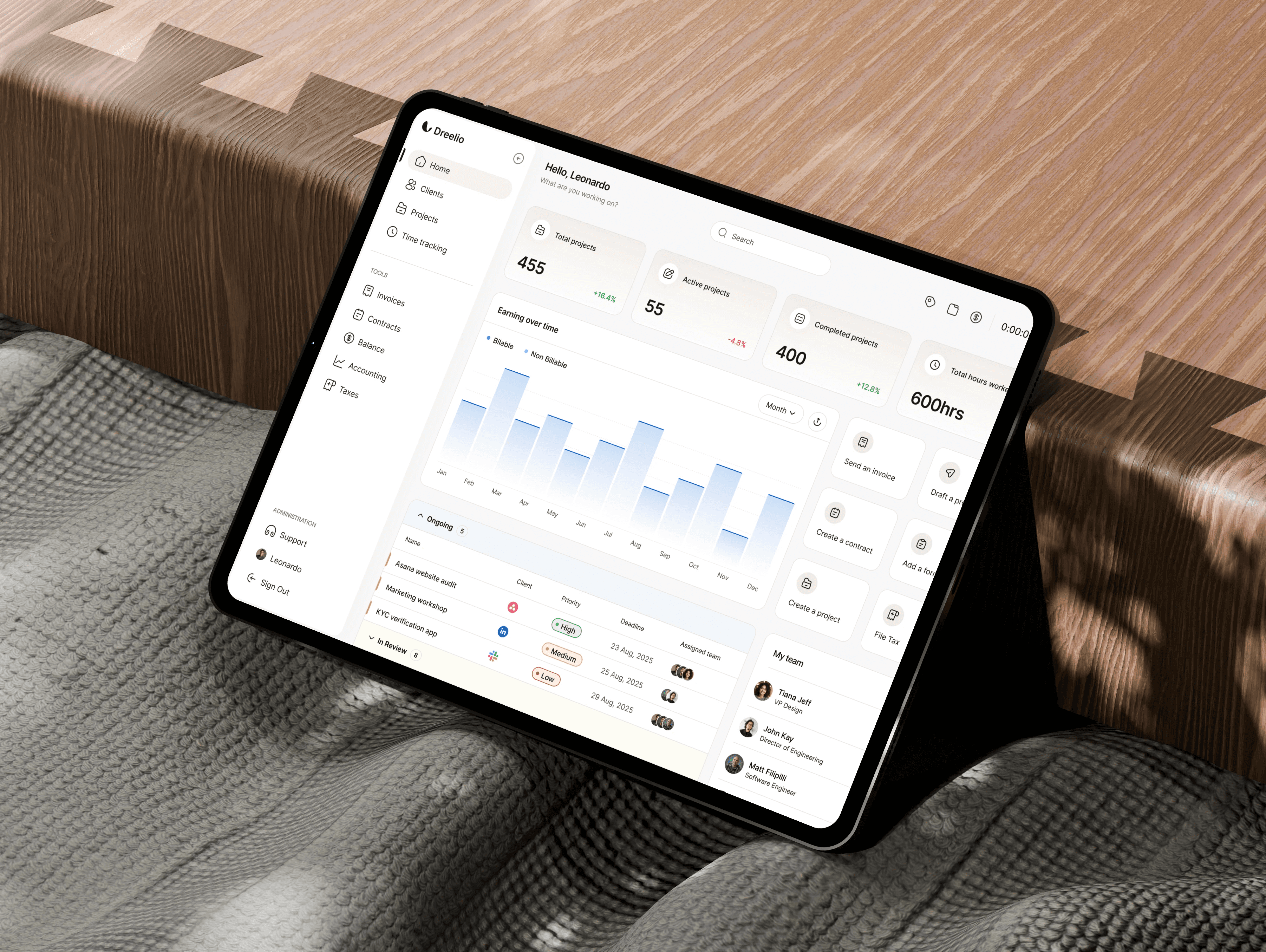
Maestro, the intelligent orchestration of your projects.
"With Maestro, I keep a clear vision of my priorities. The tool helps me quickly identify the tasks I haven't done yet and the approaching deadlines, so I can better anticipate my day-to-day work."
Damien
Cesaro Company
"What I appreciate about Maestro is having a clear and global vision of my tasks, even when they are spread across different boards. This allows me to better identify my priorities and handle emergencies more easily. I also save time on a daily basis, as I quickly know what I have to do without having to ask myself fifty questions about the next urgent task to handle. It is a real plus for better organizing my day and moving forward more serenely."
Isabelle
Cesaro Company
"The centralization of different actions allows me to quickly update multiple cards, even when they are spread across different boards. The multi-board view gives me an overview of my ongoing topics, while the Gantt view allows me to clearly visualize deadlines and the sequence of different steps. This is particularly useful for managing complex projects with numerous cards and multiple actions to coordinate. It allows me to better anticipate, structure my priorities, and improve daily efficiency."
Quentin
Cesaro Company
"I am not particularly comfortable with computers. What I expect from a tool like Maestro is a simple, practical, and visual experience that allows me to know immediately what I need to do."
Guillaume
Cesaro Company
"With Maestro, I keep a clear vision of my priorities. The tool helps me quickly identify the tasks I haven't done yet and the approaching deadlines, so I can better anticipate my day-to-day work."
Damien
Cesaro Company
"The centralization of different actions allows me to quickly update multiple cards, even when they are spread across different boards. The multi-board view gives me an overview of my ongoing topics, while the Gantt view allows me to clearly visualize deadlines and the sequence of different steps. This is particularly useful for managing complex projects with numerous cards and multiple actions to coordinate. It allows me to better anticipate, structure my priorities, and improve daily efficiency."
Quentin
Cesaro Company
"What I appreciate about Maestro is having a clear and global vision of my tasks, even when they are spread across different boards. This allows me to better identify my priorities and handle emergencies more easily. I also save time on a daily basis, as I quickly know what I have to do without having to ask myself fifty questions about the next urgent task to handle. It is a real plus for better organizing my day and moving forward more serenely."
Isabelle
Cesaro Company
"I am not particularly comfortable with computers. What I expect from a tool like Maestro is a simple, practical, and visual experience that allows me to know immediately what I need to do."
Guillaume
Cesaro Company
Maestro, the intelligent orchestration of your projects.
"With Maestro, I keep a clear vision of my priorities. The tool helps me quickly identify the tasks I haven't done yet and the approaching deadlines, so I can better anticipate my day-to-day work."
Damien
Cesaro Company
"What I appreciate about Maestro is having a clear and global vision of my tasks, even when they are spread across different boards. This allows me to better identify my priorities and handle emergencies more easily. I also save time on a daily basis, as I quickly know what I have to do without having to ask myself fifty questions about the next urgent task to handle. It is a real plus for better organizing my day and moving forward more serenely."
Isabelle
Cesaro Company
"The centralization of different actions allows me to quickly update multiple cards, even when they are spread across different boards. The multi-board view gives me an overview of my ongoing topics, while the Gantt view allows me to clearly visualize deadlines and the sequence of different steps. This is particularly useful for managing complex projects with numerous cards and multiple actions to coordinate. It allows me to better anticipate, structure my priorities, and improve daily efficiency."
Quentin
Cesaro Company
"I am not particularly comfortable with computers. What I expect from a tool like Maestro is a simple, practical, and visual experience that allows me to know immediately what I need to do."
Guillaume
Cesaro Company
"With Maestro, I keep a clear vision of my priorities. The tool helps me quickly identify the tasks I haven't done yet and the approaching deadlines, so I can better anticipate my day-to-day work."
Damien
Cesaro Company
"The centralization of different actions allows me to quickly update multiple cards, even when they are spread across different boards. The multi-board view gives me an overview of my ongoing topics, while the Gantt view allows me to clearly visualize deadlines and the sequence of different steps. This is particularly useful for managing complex projects with numerous cards and multiple actions to coordinate. It allows me to better anticipate, structure my priorities, and improve daily efficiency."
Quentin
Cesaro Company
"What I appreciate about Maestro is having a clear and global vision of my tasks, even when they are spread across different boards. This allows me to better identify my priorities and handle emergencies more easily. I also save time on a daily basis, as I quickly know what I have to do without having to ask myself fifty questions about the next urgent task to handle. It is a real plus for better organizing my day and moving forward more serenely."
Isabelle
Cesaro Company
"I am not particularly comfortable with computers. What I expect from a tool like Maestro is a simple, practical, and visual experience that allows me to know immediately what I need to do."
Guillaume
Cesaro Company
FAQ
Ready to get a return on your Trello licenses?
Join project managers who use Maestro by rosace to guide their teams' activities with precision
No credit card required. Guaranteed ROI from the first month.
blog
Optimize your project management with our expert tips.

blog